
Cut it yourself or Cut to exact size – which suits you?
In short
With “Exact to size” we cut the contour of your shape and you only have to lay it on; there is a surcharge per piece. With “Cut yourself” you get one piece in your width and length and cut edges, radii and cut-outs with the cutter yourself – there you plan roughly one centimetre of allowance all round.
Two cutting options in the configurator: what each delivers, how much allowance you need with one and for whom the other pays off.
Updated:
The difference in one sentence
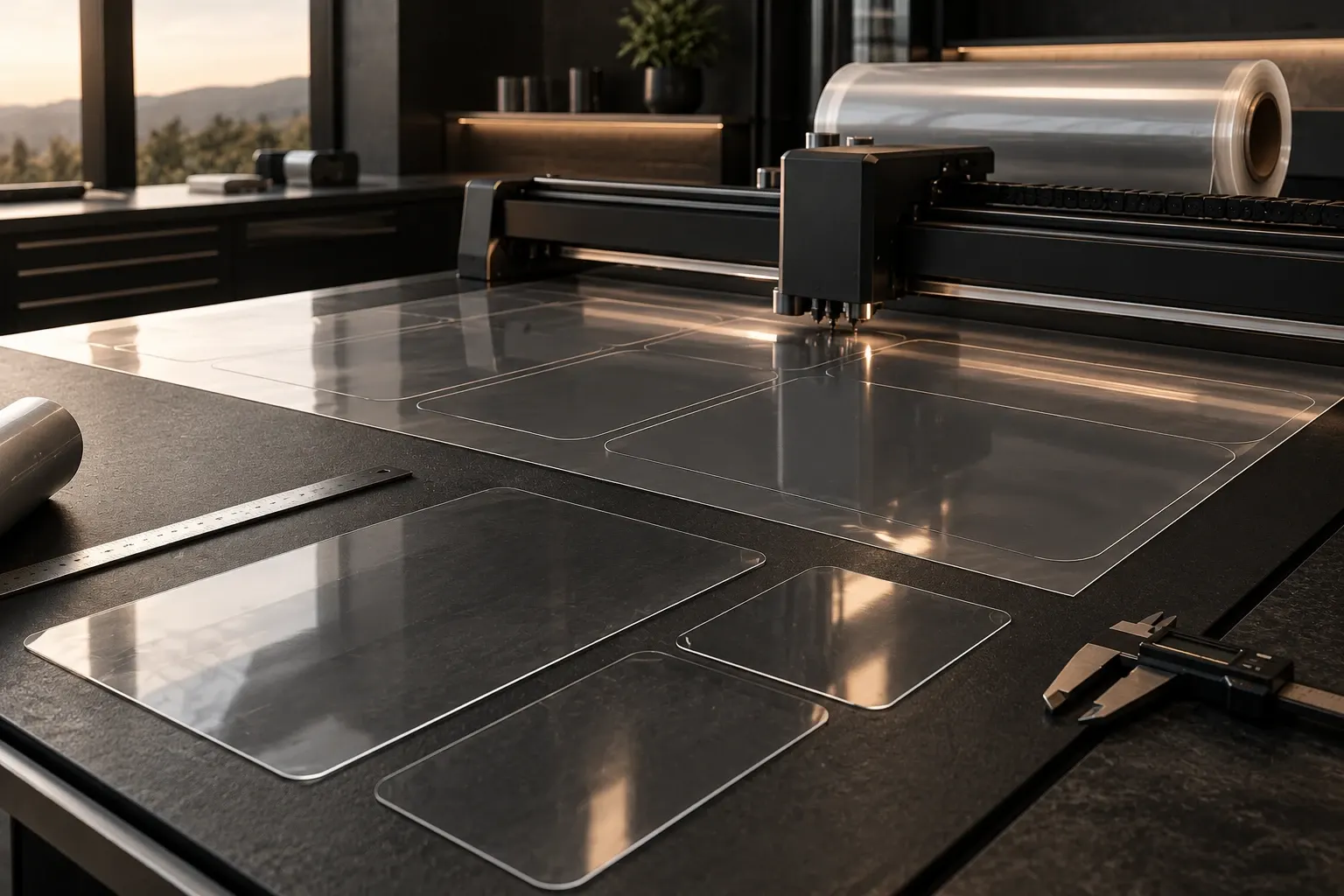
With “Cut yourself” you get a piece of film in your width and length and cut edges, radii and cut-outs on site with the cutter. With “Exact to size” we cut the contour of your shape to your specifications – you only have to lay it on.
The surcharge for “Exact to size” applies per piece; the configurator shows the current amount as soon as you choose the cutting option. Material, film and installation are the same for both.
Exact to size: your dimensions are the final dimensions
If you choose “Exact to size”, the numbers you enter are the final dimensions of the cut piece. You add nothing and trim nothing. Rectangle with rounded corners, circle, oval, trapezoid or a freeform from a template: we cut the contour, you apply the film.
This pays off above all for shapes with curves, for cut-outs and wherever a straight cut with the cutter is hard to guide. Anyone applying film for the first time also has one task less with a finished cut piece: they only align and squeegee.
Because the dimensions are the final dimensions, careful measuring counts here. Measure in several places, as furniture is rarely square to the millimetre. For circles, ovals and rounded corners the 1:1 trial template helps, which you print before ordering and place on the panel.
Cut yourself: about one centimetre of allowance
With “Cut yourself” the film is as large as your input. So that it reliably covers the surface, you enter about one centimetre of allowance all round. After laying and squeegeeing, you trim the overhang directly at the edge with the cutter.
This is quite doable for straight edges and large rectangles and saves the surcharge. You need a steady hand, a sharp knife – the Application Kit includes a cutter and spare blades – and some time for the edges. Radii and cut-outs take more practice than a straight cut.
As for the edge distance: the film ends where your dimension ends. If you prefer it to end just short of the edge, plan for that when measuring.
You can try both cutting options without extra effort: in the configurator you switch the cutting option with one click and the price is recalculated immediately. That way you see what the surcharge means for your case before you put anything in the basket.
Which cutting option for which shape?
Rectangles and squares with straight edges are the home turf of “Cut yourself”, especially on large surfaces: the surcharge applies per piece, not per square metre. If you have several small parts, such as the fronts of a kitchen, it adds up quickly – there it is worth comparing in the configurator.
For circles, ovals, rounded corners, trapezoids and freeforms, “Exact to size” is usually the more relaxed choice, because you do not have to trace curves with the cutter. For series and parts from a drawing there is the enquiry for business customers; we then cut from your file.
And for very large surfaces? There you work in pairs and in strips anyway. For rectangles and squares the configurator calculates the strips, with two centimetres of overlap for the seam.
Frequently asked questions
How much allowance do I need with “Cut yourself”?
About one centimetre all round. You trim the overhang at the edge after applying. With “Exact to size” you enter no allowance; there your dimensions are the final dimensions.
What does “Exact to size” cost extra?
There is a surcharge per piece, not per square metre. The configurator shows the current amount as soon as you choose the cutting option; it calculates the price live.
Do I need special tools for “Cut yourself”?
A sharp knife is enough, plus ruler, squeegee and spray bottle. The Application Kit contains a squeegee, cleaning cloth, cutter with spare blades and spray bottle.
Can I mix both cutting options in one order?
Yes, you choose the cutting option for each cut piece separately. The large tabletop can be “Cut yourself”, the round side-table top “Exact to size”.