
Measuring a round or oval table for protective film
In short
For a round table you measure the diameter: from edge to edge, the line passes through the centre. For an oval you need the greatest width and the greatest length, each measured through the middle. Before ordering you can print a 1:1 trial template and place it on the panel.
Round and oval are shapes of their own in the configurator. Which dimensions you need, how to take them cleanly and how to check them on the panel before ordering.
Updated:
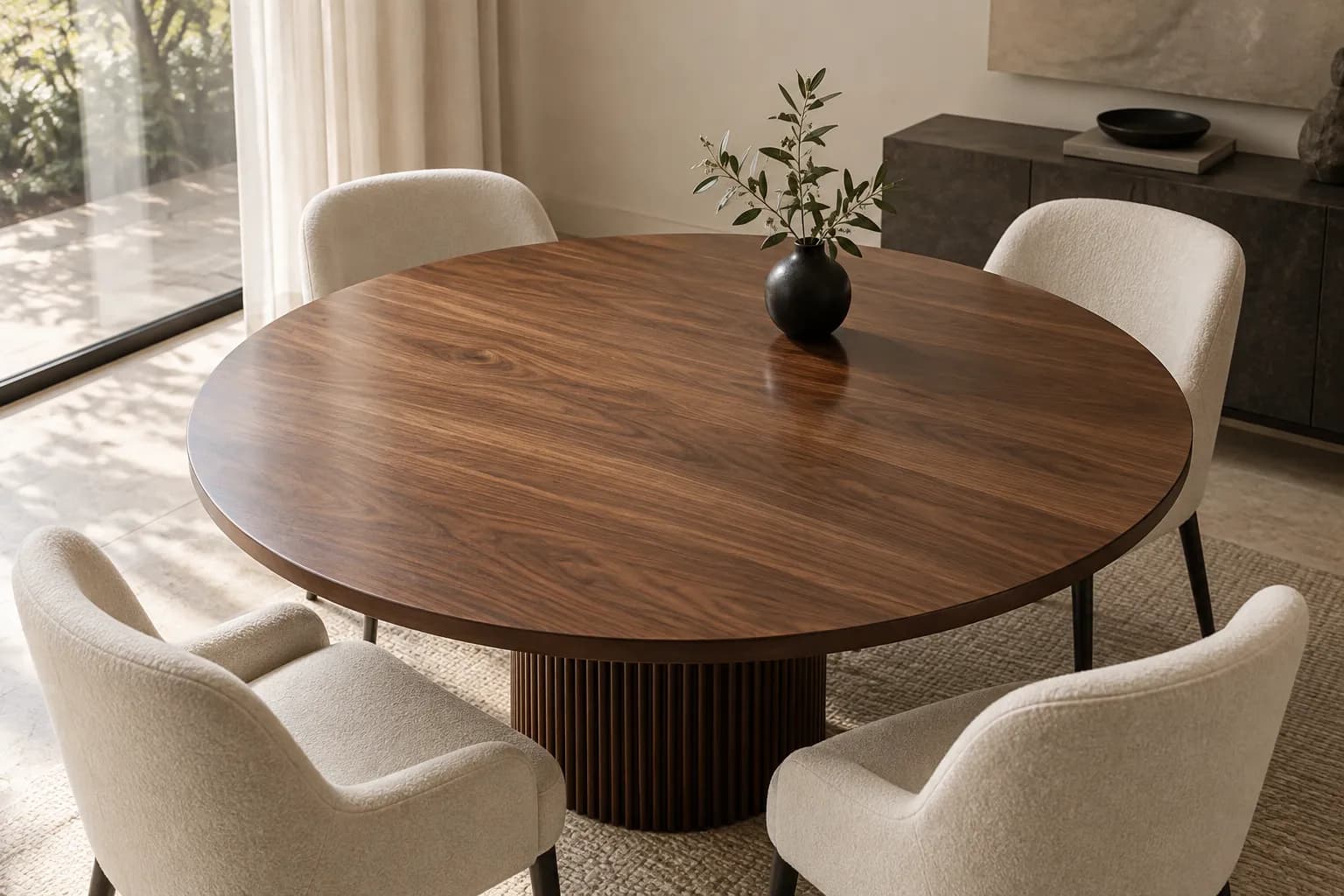
Round and oval are shapes of their own
Besides rectangle and square, the configurator has circle and oval as shapes of their own. So you do not have to approximate the curve as a rectangle with rounded corners: you choose the shape, enter the dimensions and see area and price immediately.
You enter the dimensions in centimetres, accurate to a millimetre. Only the corner radius, if you need one, is given in millimetres. A circle takes one dimension, an oval two.
The round table: one dimension, the diameter
For a circle you need the diameter. That is the distance from one edge of the panel to the opposite one, and the line must pass through the centre. Not the radius, not the circumference: anyone who enters half the dimension gets a cut piece with half the diameter.
Because you often cannot see the centre exactly, you measure in several places: lay the tape measure across the panel, shift it slightly and take the largest value. That is the diameter. Then measure again in two or three other directions.
If the values differ, your panel is not an exact circle but an oval. Then proceed as in the next section.
The oval table: greatest width and greatest length
For an oval you need two dimensions: the greatest width and the greatest length, each measured through the middle. The cut piece needs nothing more; the contour results from the two values.
Pay attention to the shape your table really has. A table with straight sides and round ends, often called a stadium or racetrack shape, is not an oval in the configurator. For that you use “Rounded corners” with a large radius or a template for the freeform.
Even with a classic oval it is worth finding the centre: mark the long axis with a strip of masking tape, measure along this line and then across it at the widest point.
The 1:1 trial template
For every shape you can print a trial template in the configurator, at 1:1 scale with a check square. You place it on the panel and see immediately whether the dimensions are right and whether the contour fits the table.
Especially for circles, ovals and rounded corners this is the safest way. If something is off, you correct the dimension and print again before you order. The check square also shows you whether your printer outputs the paper at the right scale.
Typical mistakes and how to avoid them
The most common mistake is the radius instead of the diameter. The second is entering a stadium-shaped table as an oval. The third: measuring in only one place, although furniture is rarely perfectly round or square.
Measure from outer edge to outer edge, not at the underside or at a frame. If the panel has a visible rim or a bevel, you measure the flat surface the film is to cover.
And with “Cut yourself” the rule is: plan about one centimetre of allowance all round, which you trim after applying. With “Exact to size” your dimensions are the final dimensions.
Write the values down straight away and then enter them in the configurator. Anyone who measures again later easily mixes up width and length or forgets the decimal: 120.5 centimetres is not the same as 125.
Frequently asked questions
For a round table, do I need the radius or the diameter?
The diameter: from edge to edge through the centre. If you enter the radius, the cut piece comes out half as large as the panel.
What if my panel is not exactly round?
Measure in several directions. If the values differ, choose oval and enter the greatest width and the greatest length. The trial template shows you beforehand whether it fits.
Is the film also available for stadium-shaped tables?
Yes, but not as an oval. Use “Rounded corners” with a large radius or a template for the freeform.
What if the table is wider than the roll?
For rectangles and squares the configurator divides the surface into strips. For round and oval panels wider than the roll, send us a photo and the dimensions.