
Freeform, live edge and cut-outs: protective film with a template
In short
In the configurator you choose freeform and upload the contour as a file – PDF, SVG, DXF, PNG or JPG up to 4 MB. With “Exact to size” we cut it exactly like that, including cut-outs and holes. Without a file, a photo, dimensions and a short description are enough for an enquiry.
Not every surface is a rectangle. How to capture a live edge, a cut-out or a recessed handle as a contour and which route suits your surface.
Updated:
When freeform is the right shape
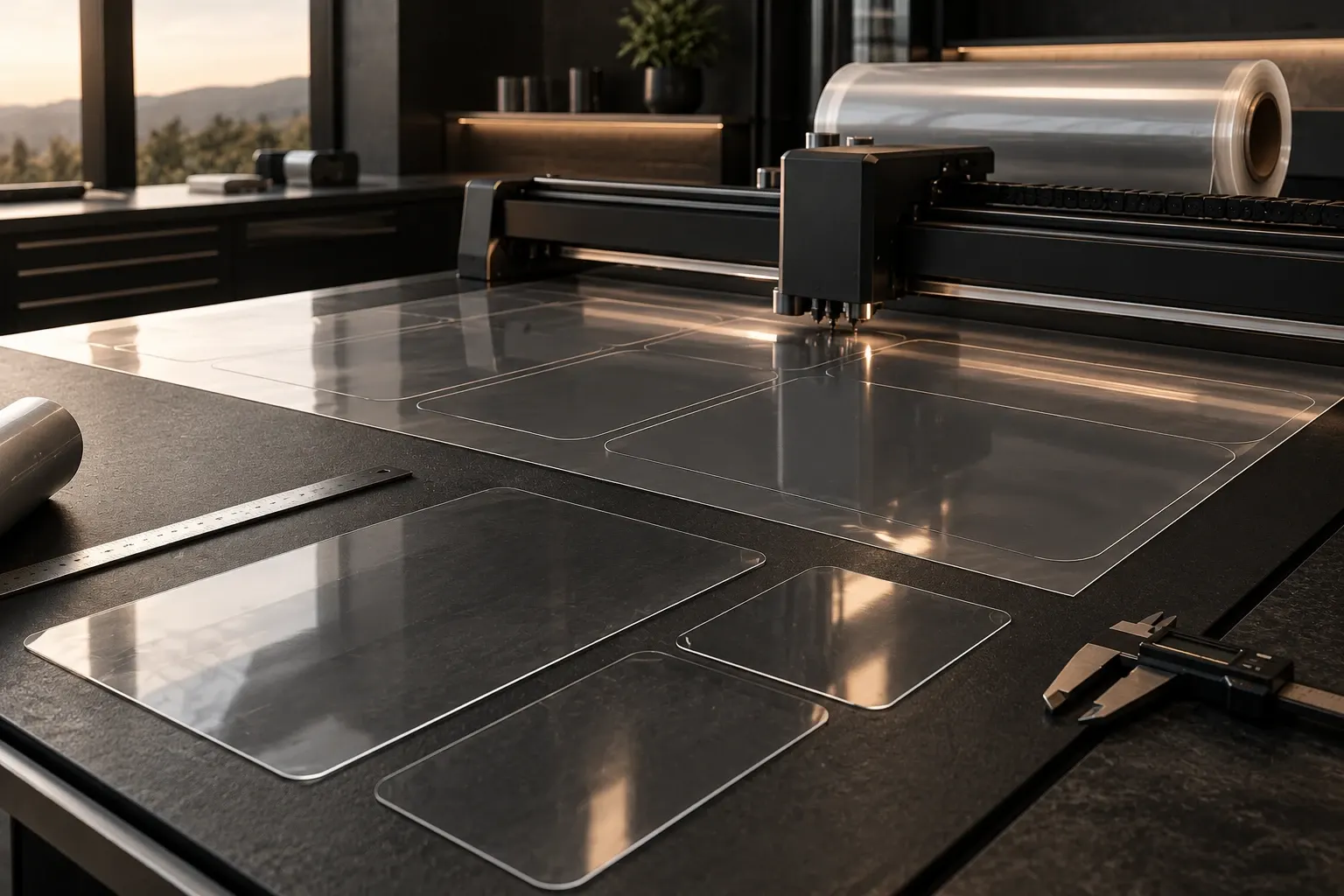
Rectangle, circle, oval, rounded corners and trapezoid cover most surfaces. Freeform is meant for everything else: a tabletop with a natural live edge, a worktop with a cut-out for the hob, a front with a recessed handle, a niche with slanted edges.
For freeform you first need the rectangle that encloses your shape: width times length. It has to fit within the roll width. The contour itself then comes from your file.
Check beforehand whether a simpler shape is enough: a panel with slightly rounded corners is not a freeform but a rectangle with a radius; a table with straight sides and round ends can often be ordered as a rounded rectangle with a large radius. That saves the freeform surcharge.
The route with a file
If you have a drawing, you upload it in the configurator. PDF, SVG, DXF, PNG and JPG up to 4 MB are accepted. With “Exact to size” we cut the contour exactly like that, including cut-outs and holes.
For live-edge tables in particular a paper template is the easy way: you lay paper on the panel, trace the edge with a soft pencil, cut it out, photograph or scan the template and upload it. A file from CAD or from a drawing works just the same.
For a freeform with an uploaded file there is no trial template to print: your file counts as the contour. So check file and scale carefully before uploading.
Make sure the file shows the contour of the surface, not a photo with perspective. A shot from above, at a right angle, with a tape measure or a coin next to the panel as a reference helps us check the scale.
The route without a file
If you have no file or are unsure whether the surface can be covered flat at all, send us a photo, the dimensions of the enclosing rectangle and a short description. We will tell you whether and how it works.
The cut piece is the plan view of your surface, cut flat. Straight and slightly curved surfaces can be covered this way. Strongly curved, three-dimensionally shaped parts cannot be laid without wrinkles from a flat cut piece.
Cut-outs and holes
Cut-outs for handles, cables, fittings or a hob are part of the contour in the file. With “Exact to size” we cut them out too, and you do not need to trim anything on site.
With “Cut yourself” you get a piece in your width and length and cut the cut-outs with the cutter yourself. That is doable but takes practice. For hob and sink we recommend the variant with cutting.
Note for cut-outs in the kitchen that the film is not heat protection: around the hob, hot pots belong on a coaster, as everywhere.
Plan cut-outs slightly generous rather than too tight. A film that leaves a little room around a fitting sits more calmly than one that butts up against it. The edge of the film should not be under tension at cut-outs.
Suitability and surcharge
Whether a live-edge panel is suitable is decided by the surface: painted or sealed wood is suitable, oiled and waxed panels are not, even if the edge looks natural. If in doubt, send us a photo; we also check adhesion on a sample.
For freeform there is a surcharge per piece; the configurator shows the exact amount in the price line. It does not depend on the size of the surface.
If you have several identical freeform parts, such as the backs of several cabinets, you order them as a quantity with the same file. Each piece arrives separately, and you only have to upload the file once.
Frequently asked questions
Which file formats can I upload?
PDF, SVG, DXF, PNG or JPG up to 4 MB. With “Exact to size” we cut the contour exactly like that, including cut-outs and holes.
What if I have no drawing?
Then a photo, the dimensions of the enclosing rectangle and a short description are enough. We will tell you whether and how the surface can be covered flat.
Is there a trial template for freeform?
No. With an uploaded file, your file counts as the contour. Check file and scale before uploading.
Does the film fit strongly curved parts?
No. Straight and slightly curved surfaces can be covered; three-dimensionally shaped parts cannot be laid without wrinkles from a flat cut piece.