
Preparing your cut: measuring sheet, trial template and file
In short
Measure the surface in several places, note the dimensions on the measuring sheet and print the trial template at 1:1 in the configurator. If it fits the surface, you order with the same dimensions. For freeform shapes you upload the outline as PDF, SVG, DXF, PNG or JPG up to 4 MB.
Three aids before you order: the measuring sheet to print, the trial template to lay on and the cutting file for special shapes. When each one helps.
Updated:
Why check before ordering
The film is only cut after you order. A wrongly measured cut is therefore wasted, and that cannot be rescued afterwards. Anyone who takes some time before ordering avoids this mistake.
Three aids help with this, and they build on each other: the measuring sheet records the dimensions, the trial template shows whether they are right, and the cutting file takes over shapes that cannot be measured. All three are free and need no appointment.
The measuring sheet: noting dimensions on site
Anyone measuring a kitchen or an office has a tape measure and a pen in hand, but rarely the configurator open. For that there is the measuring sheet as a PDF: one A4 page with the measuring rules and a table to fill in. You find the “Measuring sheet (PDF)” button in the guide, in the cart at the parts list and on the kitchen fronts page.
The table has five columns: label, width in centimetres, length in centimetres, quantity and shape or note. One line per piece, for example “Front left 60 x 72 2”. Decimals like 60.5 are allowed.
You later type or paste the completed list into the parts list in the cart. Do not copy the shape or note column: the parts list only reads rectangles. Other shapes go through the configurator.
The trial template: laying it 1:1 on the surface
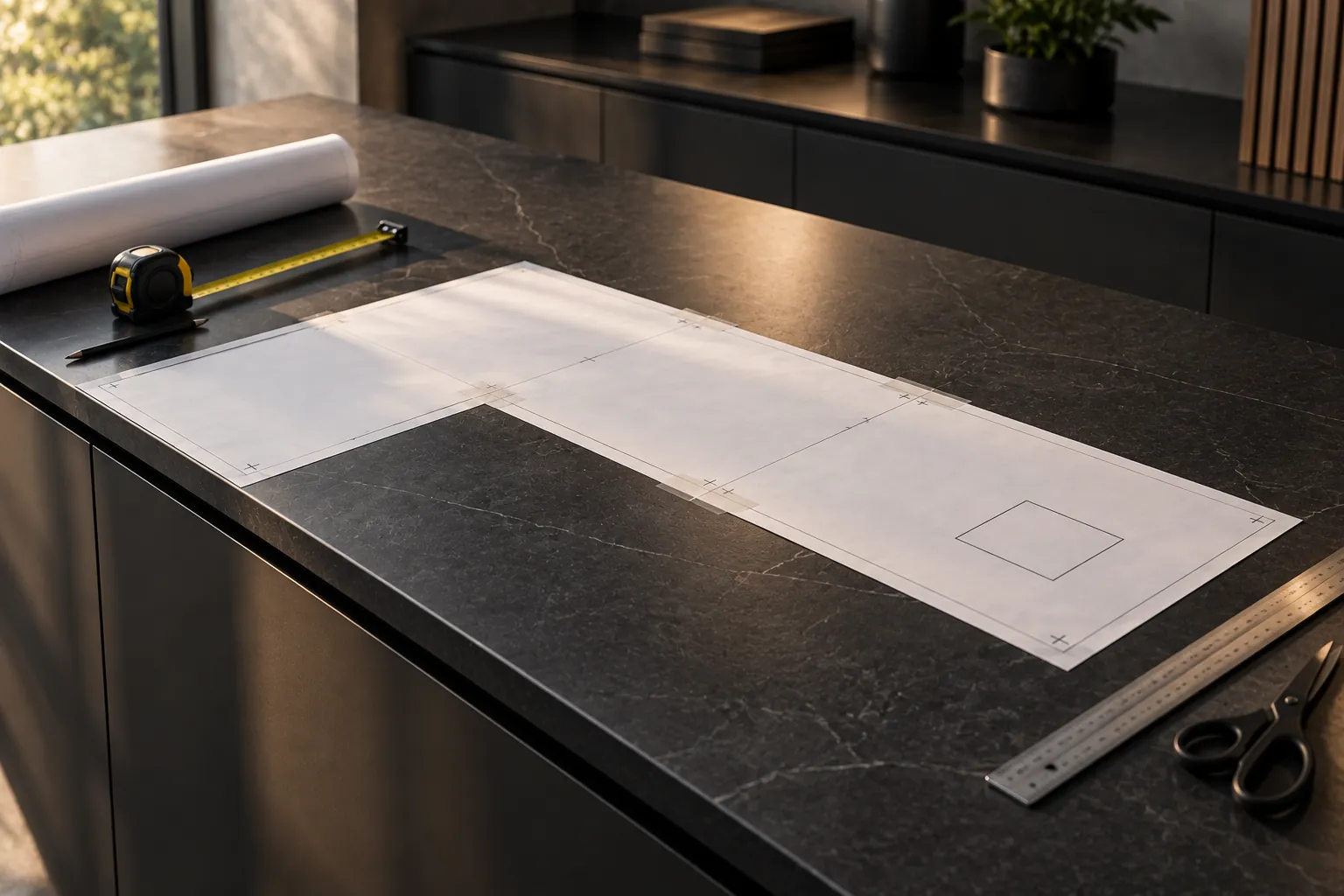
Anyone measuring a table top or a niche easily gets it wrong by a few centimetres. That is why the configurator creates a trial template at 1:1 for every shape. It appears below the price as soon as the dimensions are valid and is created as a PDF directly in your browser.
When printing you choose “Actual size” or 100 percent, not “Fit to page”. The cover sheet has a check square that must measure exactly 10 by 10 centimetres. If it does not, you correct the print setting and print again.
You put the pages together according to the plan, A1 at top left. The grey adhesive strip is slid under the page to the left or above until the registration crosses lie on top of each other. Then you stick it down, cut along the black line and lay the template on the surface. If everything fits, also at the corners, you order with the same dimensions.
The drawings in the guide explain measuring, they are not templates. Only the trial template is true to scale.
The cutting file: when the shape cannot be measured
A live edge, a recessed grip or a cut-out is hard to describe in centimetres. For this you choose freeform in the configurator and upload the outline as a file. PDF, SVG, DXF, PNG and JPG up to 4 MB are accepted.
With “Exact to size” we cut the outline exactly like that, including cut-outs and holes. There is no printable trial template for an uploaded file: your file counts as the outline. So check file and scale carefully before you upload it.
If you have no file, a paper template helps: lay paper on, trace the edge, cut it out and photograph or scan it. Anyone who has none of this sends us a photo, the dimensions of the enclosing rectangle and a short description.
Typical mistakes when measuring
What is measured is the surface the film is to cover, not the piece of furniture around it. For a table top with an overhanging edge you measure the area you want to cover, not the frame underneath.
You enter width and length in centimetres, accurate to a millimetre; only the corner radius is given in millimetres. With “Exact to size” you take the smaller dimension so that nothing overhangs. Width is the dimension at the top in the configurator preview, length the dimension on the right.
And remember to measure in several places: furniture is rarely right-angled to the millimetre. If the values differ, the trial template helps you make the right decision.
Frequently asked questions
Does the measuring sheet cost anything?
No. It is a PDF created in the browser and you can print it as often as you like.
Why must the check square measure exactly 10 by 10 centimetres?
Because it shows whether the printer printed the template at 1:1. If it measures differently, the template is scaled wrongly too.
Is the trial template available for every shape?
For the shapes of the configurator, yes. For a freeform with an uploaded file there is none, your file counts as the outline there.
Can I order the list from the measuring sheet directly?
Rectangular cuts yes: you paste the lines into the parts list in the cart. You order other shapes in the configurator.